 Harness · Graff built in
Access your agents from any device.
Harness runs Claude Code, Codex, Grok, Hermes and Pi on your machines. You steer them from one window, on any device, live.
macOS · Windows · LinuxOther downloadsGitHub Build instructions
- Claude Code
- Codex
- Cursor
- Grok
- Hermes
- Pi
- Devin
- OpenCode
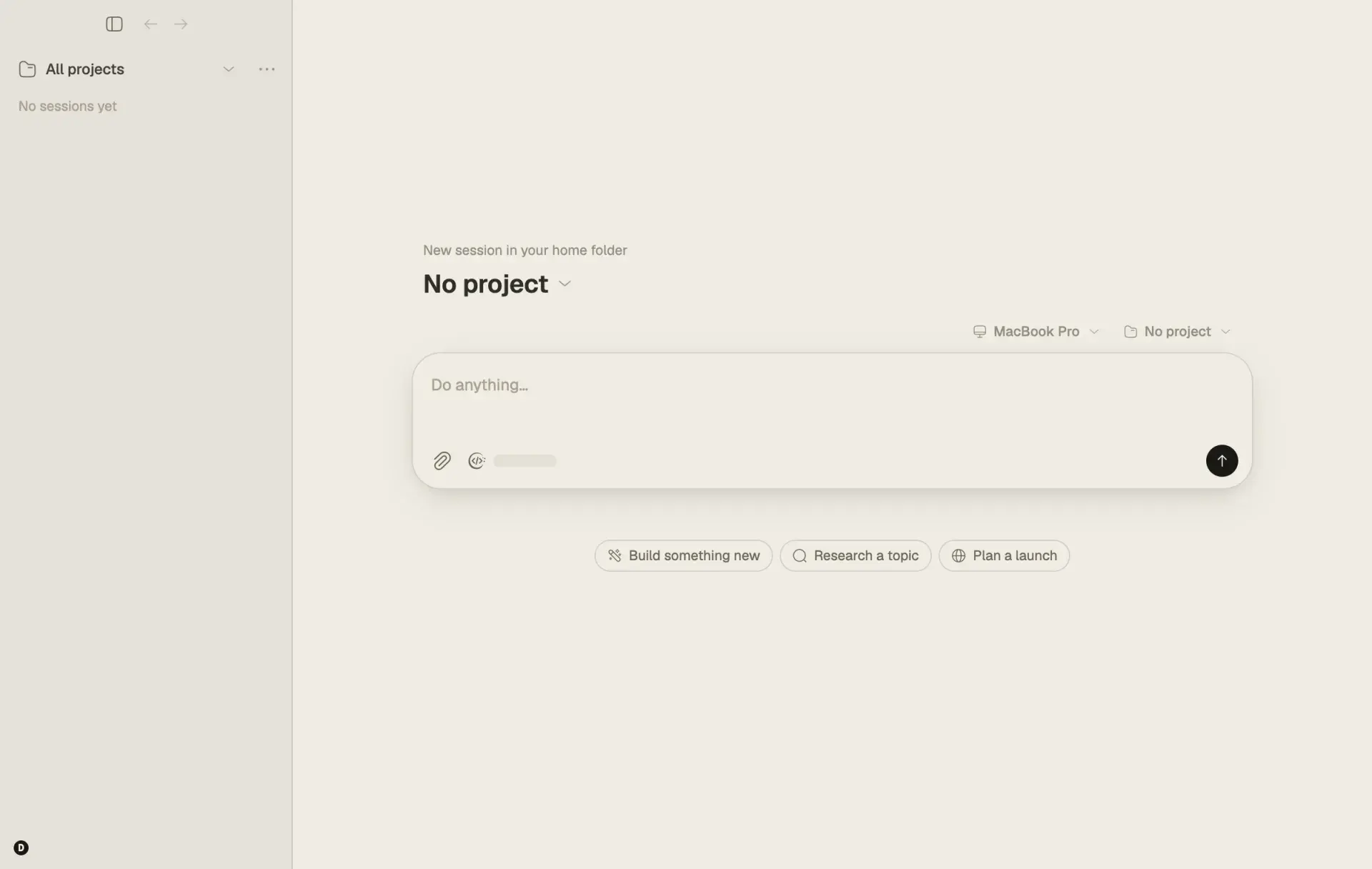
Bring the agents and subscriptions you already use. Harness keeps every session in one place, on every device you own. See how it fits together · Build it yourself

Built in · CodeGraff
Graff sets the FrontierHarness Pareto frontier.
Graff, the coding agent from CodeGraff, ships inside Harness. On the public FrontierHarness benchmark, its two recorded runs sit on the cost-versus-passes frontier. Every published configuration except Exo passes fewer tasks for more money than one of them.
20 / 21
terminal tasks completed, the Terminal-Bench slice
21 / 30
tasks passed across the full suite, the highest recorded count
$1.51
per pass across the full suite, failed attempts included
On the frontier · tasks passed vs total cost, full 30-task suite
- Graff / Grok 4.6
- 21 / 30
- $31.80
- Graff / Kimi K3
- 18 / 30
- $25.56
- Exo (published board)
- 16 / 30
- $16.72
Repository-reported results, not an independent audit. The Graff runs used extra evaluation instructions and a local runtime, so they are compared against the published board rather than part of it. Costs include failed attempts. Read the full evaluation →
Runs what you already use
One window for every agent.
Harness brings together Claude Code, Codex, Cursor, Grok, Hermes and Pi, the same sessions and tools you use each day, in one fast native window on every device.
Harness in the middle, connected to Claude Code, Codex, Cursor, Pi, Hermes and Grok.
Keep it together
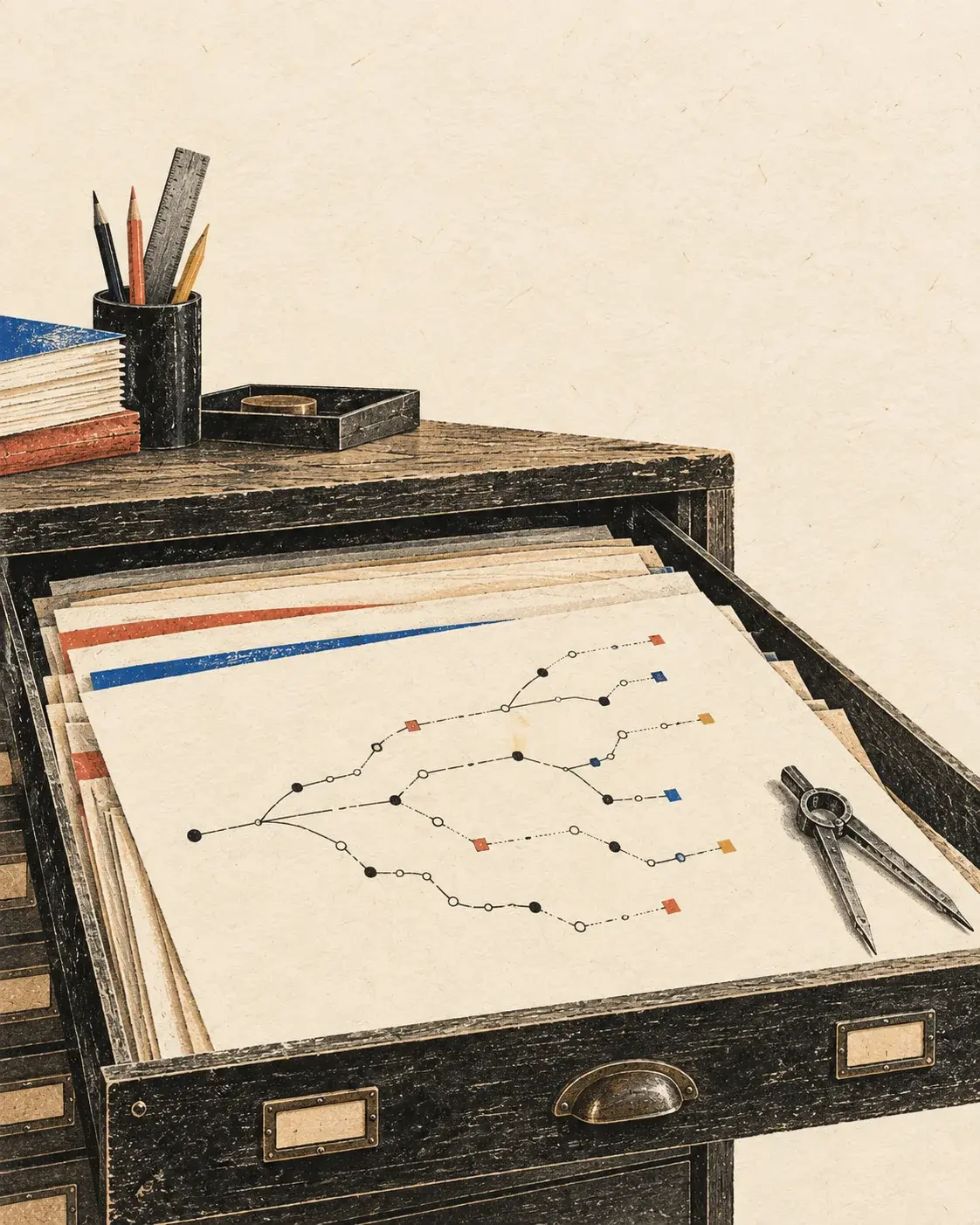
Every conversation stays in one transcript with its files, browser and terminals beside it. Pick the agent and model per conversation, review the changes next to the chat, and switch agents without losing your place.
Any device
Three screens, one session.
Sessions live on your machines, and every device you own can pilot them. Start Claude Code at your desk, watch it from your phone, approve the diff from the couch. Nothing to hand off, nothing to re-open.
A MacBook Pro, an iPhone and an iPad all steer one Harness session running Claude Code.
iPhone and iPad · Waitlist
Your agents, in your pocket.
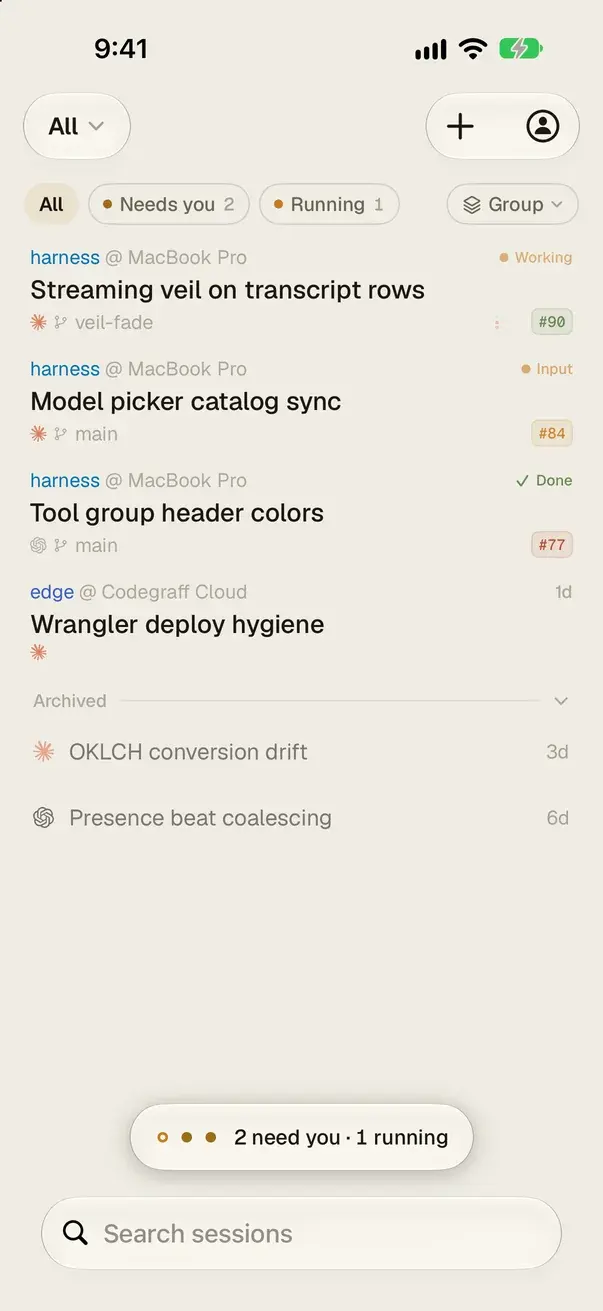
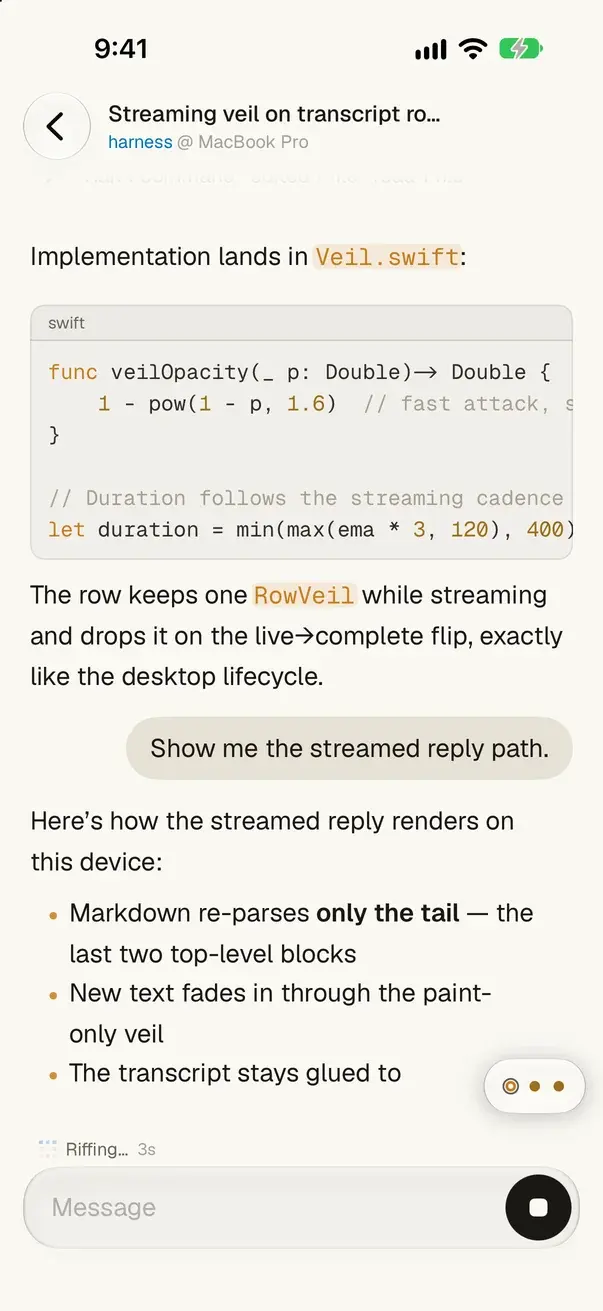
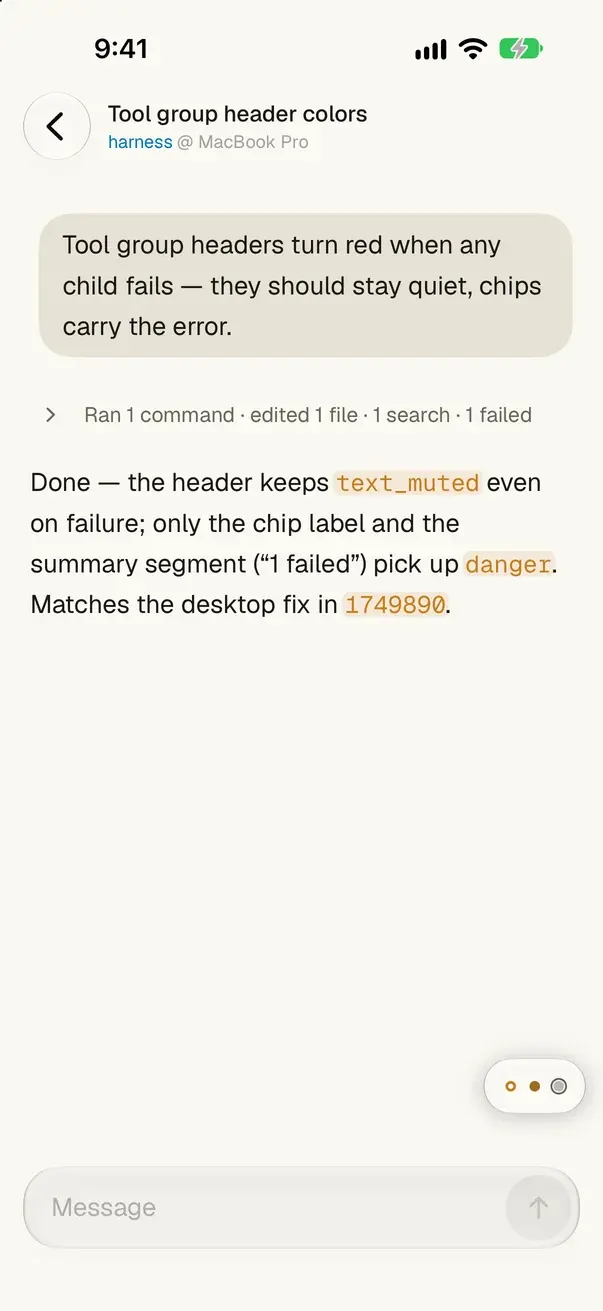
The Harness iOS app is in development. Join the waitlist and we will email you once when it is ready to try.
- Every session from your desktop, live on your phone
- Reply, approve tools and follow the transcript as it streams
- Switch between your machines from one list
One email when the iOS app is ready to try. See our Privacy Policy.
Get Harness
Build it from source.
macOS, Windows and Linux today. iOS is in development. Prefer a ready-made build? The macOS and Windows apps are on the latest release.
One window for every machine
Bring your agents together.
One window for every machine you own. Harness is available under a modified AGPLv3.
Modified AGPLv3 © 2026 Standard Harness Pte. Ltd., Rach Pradhan and Yu Xi Lim